
Linking an event to a fundraiser means every ticket sale and optional donation from that event counts toward the fundraiser's goal. Open the event, click Edit, and select the fundraiser from the "Supporting" dropdown.
This is what turns a stack of one-off events into a single visible fundraising effort: the Summer Fayre, the Sponsored Walk, the Christmas Disco can all feed into a single Playground Improvement Fund total.
How linking works
When an event is linked to a fundraiser:
- Every paid ticket on that event contributes its full amount to the fundraiser's total
- Optional donations added at checkout also contribute
- The event page shows a small "Supporting [fundraiser name]" badge so buyers know where their money is going
- The fundraiser page lists every linked event so supporters can see what is feeding the goal
Steps
- From your admin dashboard, click Events, then click the event you want to link.
- Click Edit at the top.
- Scroll to Supporting (or Fundraiser depending on the event type).
- Choose the fundraiser from the dropdown.
- Click Save.
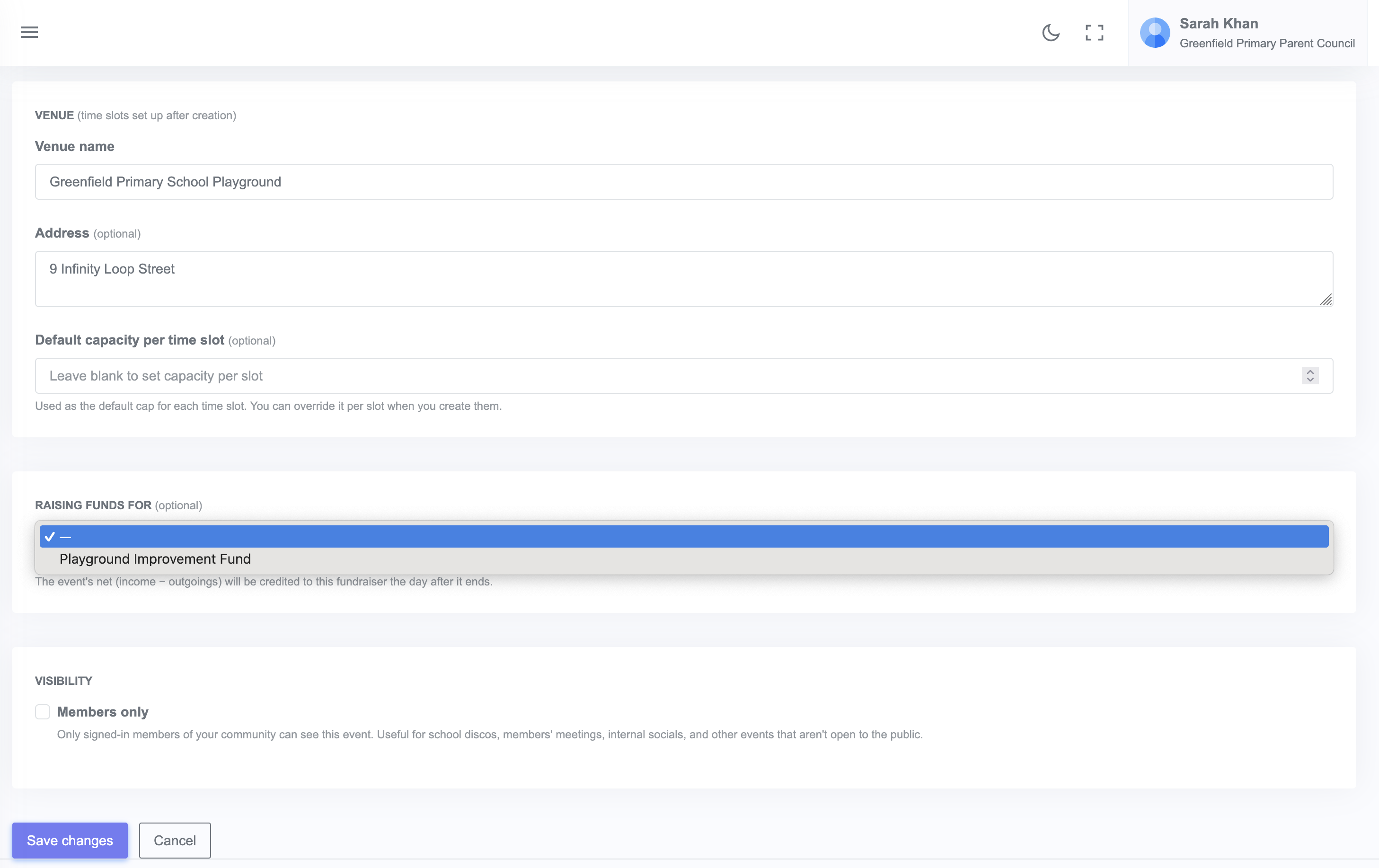
The link takes effect immediately. Past ticket sales also count toward the fundraiser total once linked.
Unlinking
To unlink an event, edit it and choose None from the Supporting dropdown. Past sales still count in the fundraiser total but no new sales will be added.