
A fundraiser is a campaign with a goal, a story, and a progress bar. Supporters can donate directly, and you can link events so every ticket sale and donation counts toward the total. To create one, go to Fundraising in your admin sidebar and click + New fundraiser.
A fundraiser is the right choice when you are raising money toward a specific goal (new playground equipment, a school trip, a defibrillator). For ongoing donations not tied to a specific goal, use the general donations page instead.
Steps
- From your admin dashboard, click Fundraising in the sidebar.
- Click + New fundraiser in the top right.
- Fill in the basic details:
- Name (for example, "Playground Improvement Fund")
- Short summary, the one-liner that appears in your community sidebar and at the top of the fundraiser page
- Description explaining why you are raising the money, what each amount funds, and any timeline
- Add at least one goal. A goal has a target amount in pounds (for example, £5,000) and an optional name.
- Click Save.
The fundraiser is now live on its own page and listed on your community page. You can copy the link to share anywhere.
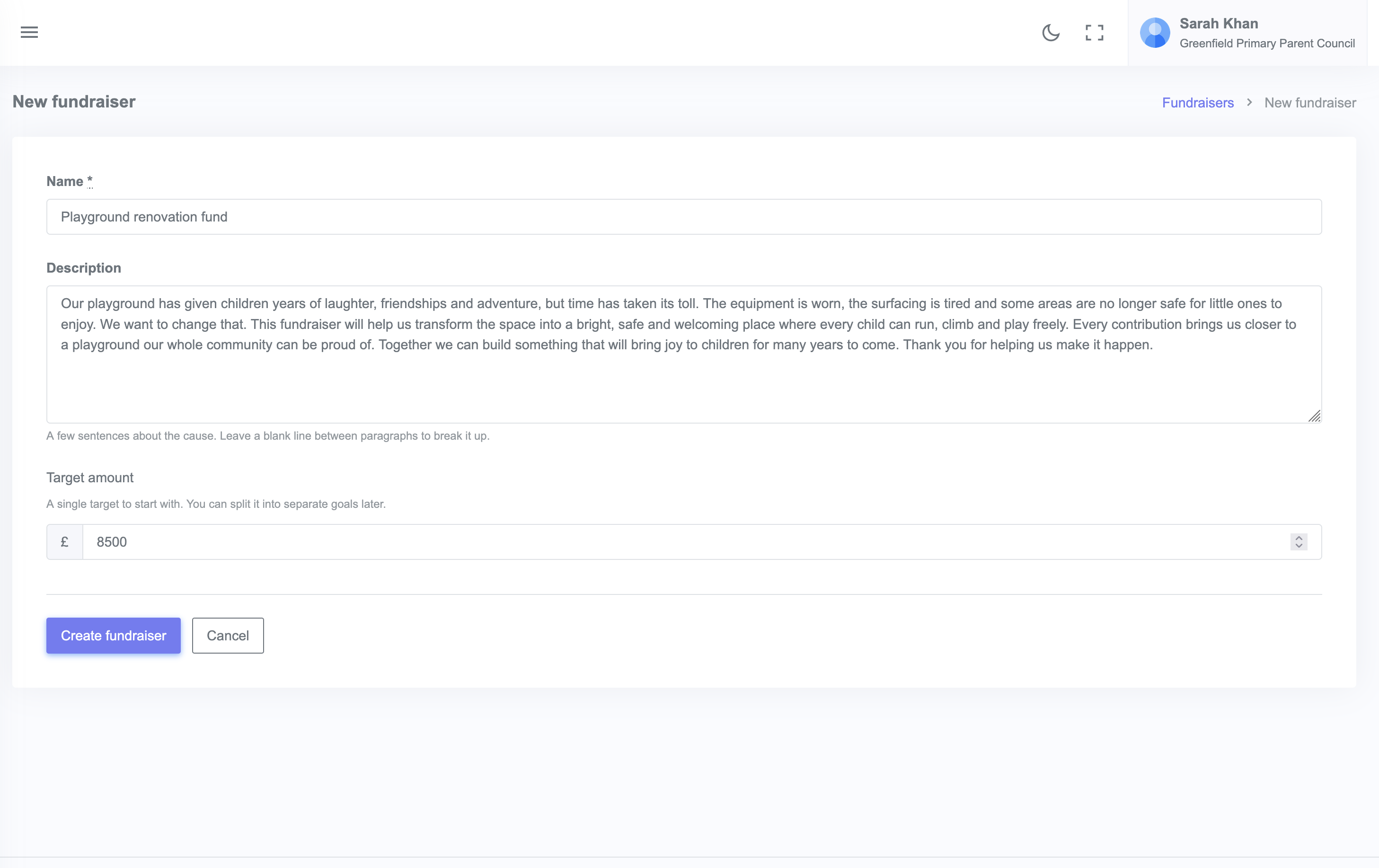
Writing the description
Three things to cover:
- Why the money matters: what will change for the community when you hit the goal
- What every contribution funds: concrete examples like "£10 buys a new playground stencil, £250 funds a section of climbing equipment"
- Timeline or deadline: when do you need the money by
Keep it scannable with short headings and bullet lists.
Multiple goals
You can add several goals to a fundraiser, each with its own target. This is useful when you want to break a large fundraiser into named tiers or chapters (for example, "Phase 1: New climbing frame £3,000", "Phase 2: Sensory corner £1,500").
What is next?
- Link events to your fundraiser so ticket sales count toward the goal
- Send a launch email to your members